
Best Discounts
The best discounts this week
Every week you can find the best discounts here.

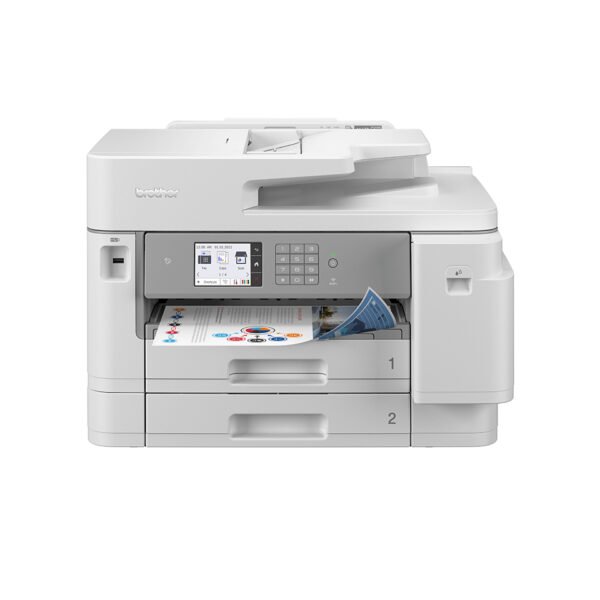
Epson LQ-350 Printer: 347 Characters Per Second, 360 x 180 DPI, 260 Characters Per Second, 86 Characters Per Second
€276.86
In Stock
- High reliability with a mean time between failures (MTBF) of 10,000 hours.
- Energy-efficient: only 1.3 W in standby mode and 22 W during operation.
- Cost-effective with a ribbon yield of 2.5 million characters.
- Easy integration with parallel, serial, and USB interfaces.
- Compact design fits perfectly on any desk.
- ENERGY STAR certified for low energy consumption.
- High-speed printing capability: 347 characters per second.
In Stock
- Delivered today (order Mon-Fri before 12:00, delivery between 17:00 and 22:00)
- Including shipping costs, sent by buymefy.com
- Pick up at a buymefy.com collection point is possible
- 30 days to change your mind and free returns
- Day and night customer service
Description
How to Use the Epson LQ-350 Printer
Unboxing the Printer
- Carefully remove the printer from the box.
- Take out all included accessories, such as the power cord, interface cables, and user manual.
- Ensure that you have the ink ribbon and paper ready for installation.
Setting Up the Printer
- Place the printer on a stable, flat surface, ideally on your desk.
- Connect the power cord to the printer and plug it into an electrical outlet.
- Connect the printer to your computer using the USB cable or other applicable interface cables (parallel or serial).
Installing the Ribbon
- Open the printer cover by lifting it gently.
- Locate the ribbon compartment and remove any protective covers or old ribbons if necessary.
- Carefully install the new ribbon as per the instructions provided in the user manual.
- Close the printer cover securely.
Loading Paper
- Open the paper guide by lifting it up.
- Load the paper into the printer, ensuring it is aligned properly.
- Adjust the paper guide to fit snugly against the loaded paper.
Powering On the Printer
- Press the power button to turn the printer on.
- Wait for the printer to initialize; the ready light should turn on.
Configuring Printer Settings
- Access your computer’s printer settings through the Control Panel or System Preferences.
- Select the Epson LQ-350 as your default printer.
- Adjust any necessary settings such as print quality and paper size.
Printing Your First Document
- Open the document you wish to print on your computer.
- Select ‘Print’ from the file menu.
- Choose the Epson LQ-350 from the list of available printers.
- Click ‘Print’ to send your document to the printer.
Maintaining the Printer
- Regularly check and replace the ink ribbon when it runs low.
- Keep the printer clean by dusting it off periodically.
- Refer to the user manual for troubleshooting tips and maintenance schedules.
Powering Off the Printer
- Press the power button to turn off the printer after use.
- Unplug the power cord if you will not be using the printer for an extended period.



Reviews
There are no reviews yet.