
Best Discounts
The best discounts this week
Every week you can find the best discounts here.


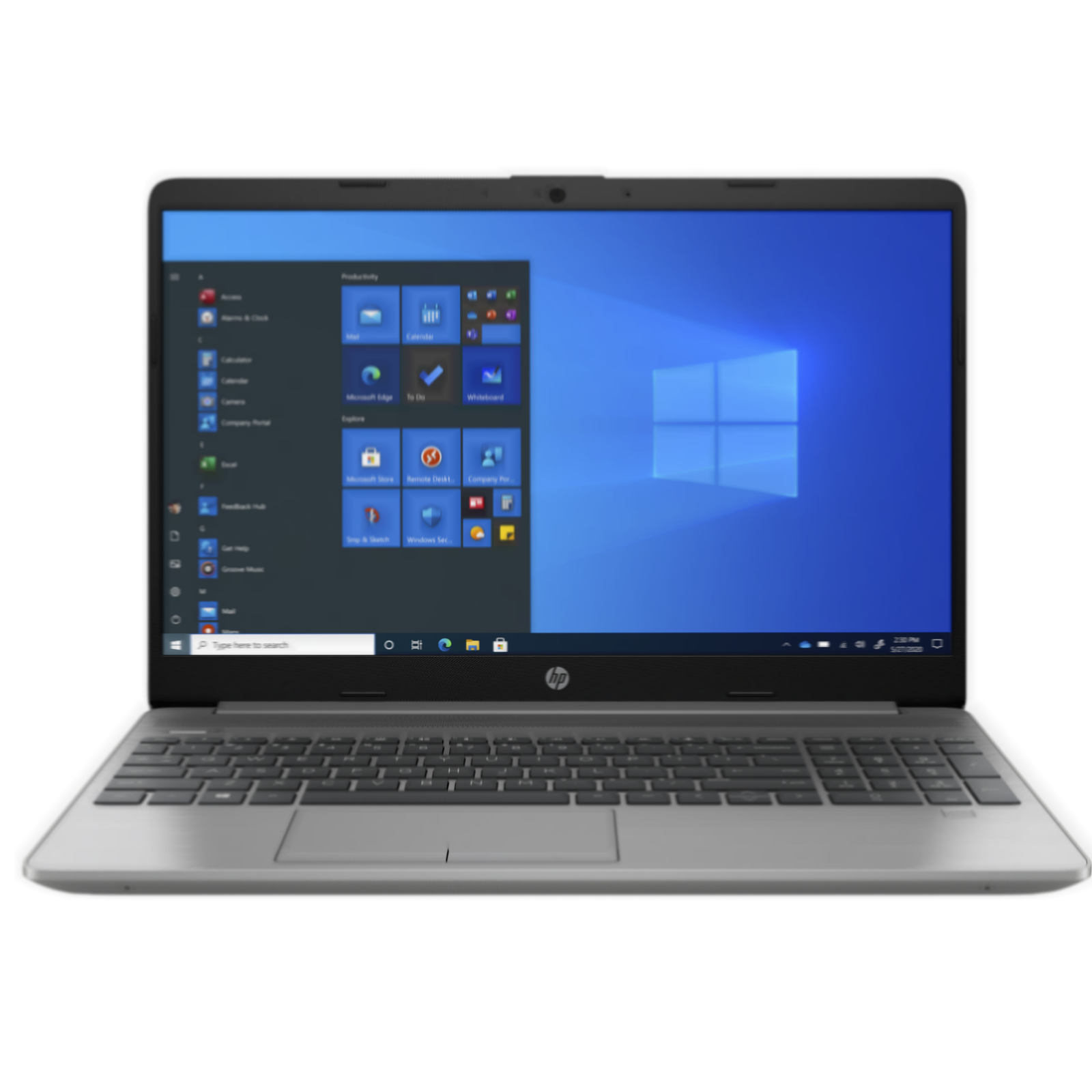
HP 255 G10 Laptop, 15.6″ FHD, AMD Ryzen 3 7330U, 8GB RAM, 256GB SSD, No Windows Included
€388.03
In Stock
- Model: HP 255 G10
- Display: 15.6″ FHD (Full HD)
- Processor: AMD Ryzen 3 7330U with up to 4.3 GHz
- Memory: 8GB RAM
- Storage: 256GB SSD
- Connectivity: WLAN included
- Operating System: Without Windows
- Weight: Approx. 39.6 cm (15.6″)
In Stock
- Delivered today (order Mon-Fri before 12:00, delivery between 17:00 and 22:00)
- Including shipping costs, sent by buymefy.com
- Pick up at a buymefy.com collection point is possible
- 30 days to change your mind and free returns
- Day and night customer service
Description
How to Use the HP 255 G10 Laptop
Getting Started
- Unbox the laptop and ensure all components are included:
- HP 255 G10 Laptop
- Power Adapter
- Power Cable
- User Manual
- Place the laptop on a flat, stable surface.
- Connect the power adapter to the laptop and plug it into an electrical outlet.
Powering On the Laptop
- Press the power button located on the keyboard or near the side of the laptop.
- Wait for the laptop to boot up. This may take a few moments.
Setting Up the Laptop
- Follow the on-screen instructions to select your language and region.
- Connect to a Wi-Fi network:
- Select your Wi-Fi network from the list.
- Enter the Wi-Fi password and click “Connect.”
- Since this model does not come with Windows, you will need to install an operating system of your choice (e.g., Linux or purchase a Windows license).
Using the Laptop
- Once the operating system is installed, familiarize yourself with the desktop and applications:
- Explore pre-installed applications or download necessary software.
- Adjust settings such as display brightness and volume using the function keys on the keyboard.
- To connect external devices:
- Use USB ports for connecting peripherals like mice, keyboards, or external drives.
- Use HDMI or VGA ports for connecting to external monitors or projectors.
Maintaining Your Laptop
- Keep the laptop clean and dust-free.
- Regularly update the operating system and installed applications.
- Back up important files to an external storage device or cloud storage.
Troubleshooting Tips
- If the laptop does not power on, check the power connection and ensure the battery is charged.
- If you encounter software issues, consider restarting the laptop or reinstalling the operating system.
- Consult the user manual for specific error messages or problems.
Conclusion
Using your HP 255 G10 laptop can enhance productivity and connectivity. Follow these steps to get started and make the most of your device!


Reviews
There are no reviews yet.