
Best Discounts
The best discounts this week
Every week you can find the best discounts here.







Huawei Watch GT 4 – 1.43-inch AMOLED Display, 46mm, 3.63 cm, Digital 466 x
€186.49
In Stock
- 1.43-inch AMOLED display for vibrant visuals
- 46 mm case size for a bold and modern look
- High-resolution 466 x 466 pixels for sharp imagery
- Advanced fitness tracking features for active lifestyles
- Compatible with various health monitoring applications
- Long-lasting battery life for extended use
- Sleek design suitable for everyday wear and various occasions
- Water-resistant for durability in different environments
In Stock
- Delivered today (order Mon-Fri before 12:00, delivery between 17:00 and 22:00)
- Including shipping costs, sent by buymefy.com
- Pick up at a buymefy.com collection point is possible
- 30 days to change your mind and free returns
- Day and night customer service
Description
How to Use Huawei Watch GT 4
Getting Started
- Unbox the Huawei Watch GT 4 and check the contents.
- Charge the watch using the provided charger. Connect it to a power source.
- Download the Huawei Health app on your smartphone from the App Store or Google Play Store.
Pairing with Your Smartphone
- Ensure Bluetooth is enabled on your smartphone.
- Open the Huawei Health app.
- Create an account or log in if you already have one.
- Select ‘Devices’ and then ‘Add Device’.
- Choose ‘Smartwatch’ and select ‘Huawei Watch GT 4’ from the list.
- Follow the on-screen instructions to complete the pairing process.
Using the Watch
- To turn on the watch, press and hold the side button until the Huawei logo appears.
- Swipe down from the home screen to access quick settings.
- Swipe up to view notifications.
- Swipe left or right to navigate through different apps and features.
Customizing Your Watch Face
- Press and hold the watch face to enter the customization mode.
- Scroll through available watch faces and select one you like.
- Tap ‘Set’ to apply the selected watch face.
Tracking Activities
- Press the side button to access the workout options.
- Select the type of activity you want to track (e.g., running, cycling).
- Tap ‘Start’ to begin tracking your activity.
- Press the side button again to pause or stop tracking.
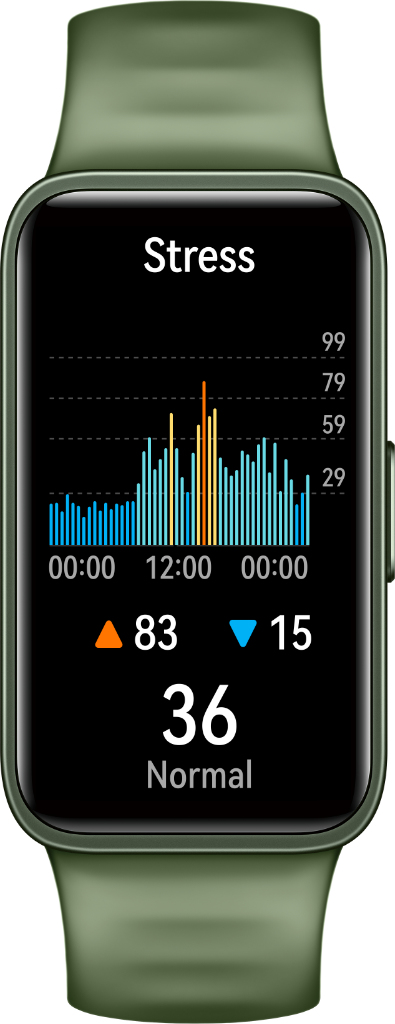
Monitoring Health Metrics
- Open the health monitoring app on your watch.
- Select the health metric you want to check (e.g., heart rate, sleep tracking).
- Follow any additional prompts to view detailed information.
Syncing Data
- Ensure your watch is connected to the Huawei Health app.
- Data will automatically sync when connected.
- Check your smartphone app to view detailed health and activity statistics.
Charging Your Watch
- Place the watch on the charging dock.
- Ensure the charging pins align properly.
- Keep the watch connected until it reaches a full charge.
Troubleshooting Tips
- If the watch does not turn on, ensure it is charged.
- For connectivity issues, try restarting both the watch and smartphone.
- Refer to the user manual for additional troubleshooting steps.
Related products




Reviews
There are no reviews yet.