
Best Discounts
The best discounts this week
Every week you can find the best discounts here.







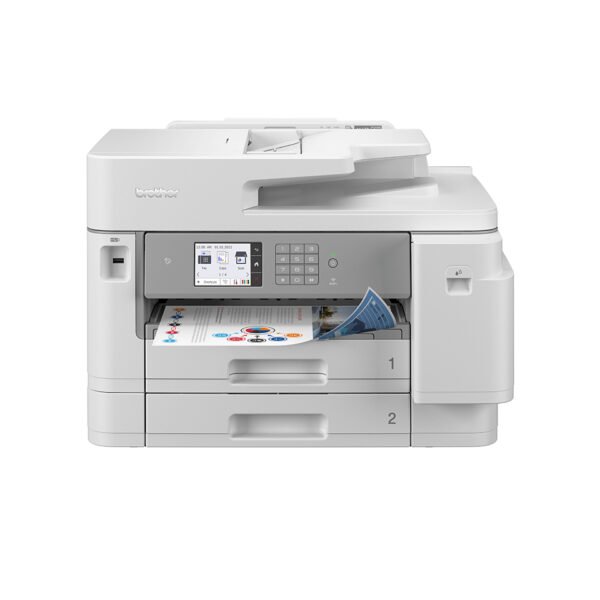
OKI C650dn Color LED Printer, 1200 x 1200 DPI, A4, 35 Pages per Minute, Duplex Printing
€484.53
In Stock
- Model: OKI C650dn
- Printing Technology: LED, Color
- Maximum Monthly Duty Cycle: 100,000 pages
- Maximum Resolution: 1200 x 1200 DPI
- Paper Size: ISO A4
- Print Speed: 35 pages per minute (black, normal quality, A4/US Letter)
- Features: Duplex (double-sided) printing
- Color: White
In Stock
- Delivered today (order Mon-Fri before 12:00, delivery between 17:00 and 22:00)
- Including shipping costs, sent by buymefy.com
- Pick up at a buymefy.com collection point is possible
- 30 days to change your mind and free returns
- Day and night customer service
Description
How to Use the OKI C650dn Printer
Unboxing the Printer
- Carefully remove the printer from the box.
- Remove all packaging materials and protective tapes.
- Place the printer on a flat, stable surface near a power outlet.
Connecting the Printer
- Plug the power cord into the printer and then into a wall outlet.
- Turn on the printer using the power button.
- Connect the printer to your computer via USB or network (Wi-Fi/Ethernet) as per your preference.
Setting Up the Printer Drivers
- Visit the OKI website to download the latest drivers for the C650dn model.
- Install the drivers following the on-screen instructions.
- Restart your computer if prompted after installation.
Loading Paper
- Open the paper tray.
- Adjust the paper guides to fit the A4 paper size.
- Load the paper into the tray, ensuring it is aligned properly.
- Close the tray securely.
Printing a Document
- Open the document you want to print on your computer.
- Select ‘Print’ from the file menu or press Ctrl + P (Windows) or Command + P (Mac).
- Choose the OKI C650dn from the printer list.
- Adjust the print settings as desired (e.g., color, quality, double-sided printing).
- Click ‘Print’ to start printing.
Maintaining the Printer
- Regularly check and replace toner cartridges when low.
- Keep the printer clean by wiping the exterior and removing dust from the interior.
- Perform routine maintenance as indicated in the user manual.
Troubleshooting Common Issues
- If the printer is not responding, ensure it’s powered on and properly connected.
- Check for paper jams and clear them if necessary.
- If print quality is poor, check the toner levels and clean the print head.
Contacting Support
- If you encounter issues that you cannot resolve, refer to the user manual.
- Visit the OKI support website for additional resources and help.
- Contact customer support for further assistance if needed.




Reviews
There are no reviews yet.