


Best Discounts
The best discounts this week
Every week you can find the best discounts here.


Sony – BURANO Package
€34,828.92
Available on backorder
- Product Name: Sony BURANO Bundle featuring a full-frame 8.6K Exmor CMOS camcorder with PL-Mount.
- Included Components:
- Sony BURANO XDCAM Camcorder
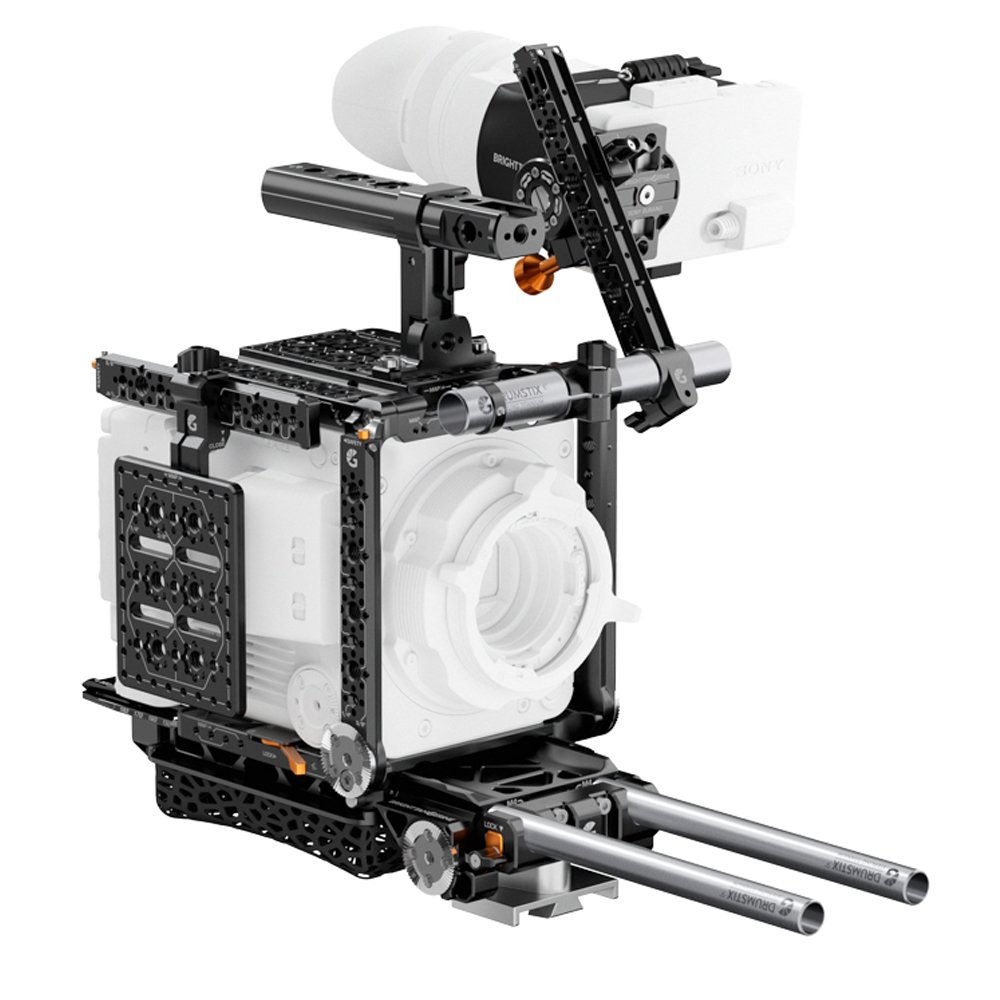
- Bright Tangerine Expert Documentary Kit
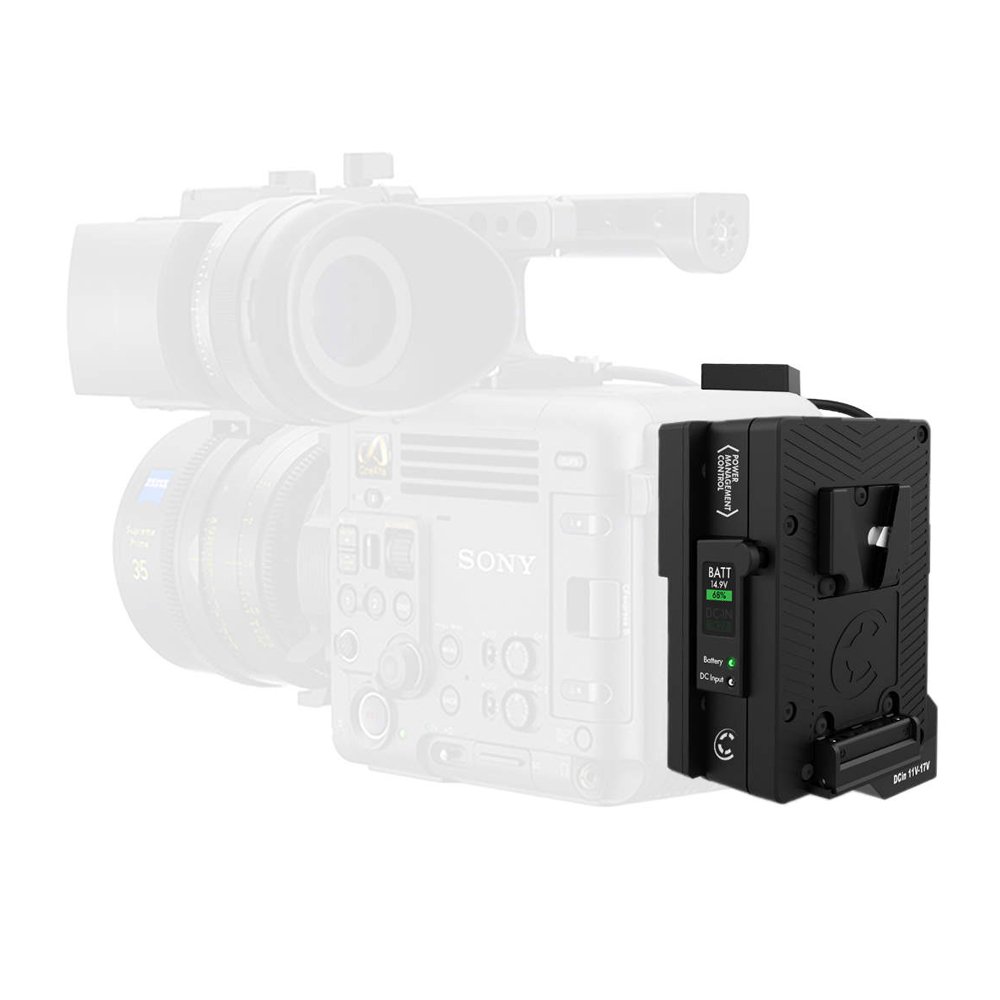
- Core SWX V-Mount battery plate and expansion module
- Sony CFexpress Type-B 960GB memory card
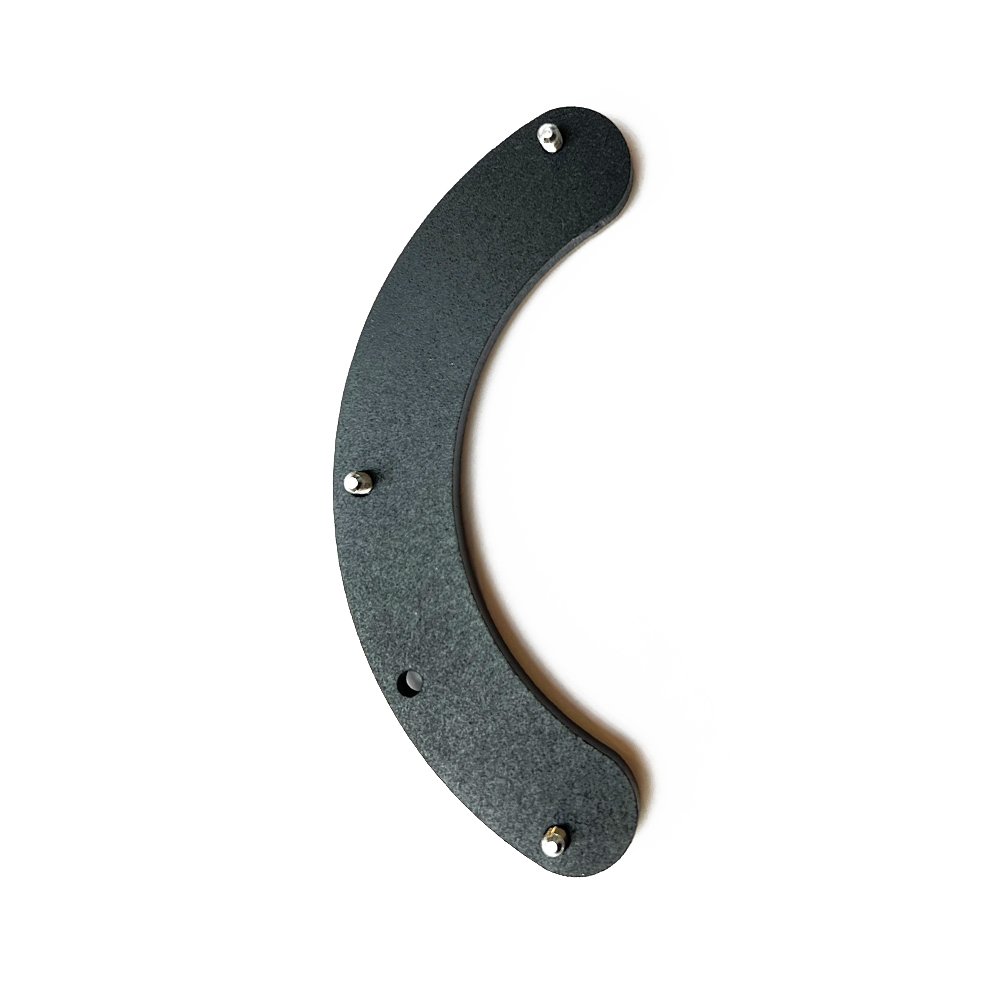
- BURANO PL-Cover
- Key Features:
- First cinema camera with in-body stabilization and PL-Mount
- Compact and lightweight design with 8.6K full-frame sensor
- Advanced autofocus, extensive slow-motion functionality, and optical image stabilization
- Supports E-Mount lenses with removable PL-Mount
- Technical Specifications:
- Dynamic range of 16 stops, fast hybrid autofocus, and dual base ISO (800/3200)
- 5-axis sensor stabilization and variable ND filter
- Multiple recording formats including XAVC and X-OCN
- Cage System: Compact design allows customization with accessories and includes quick-release points.
- Battery Plate Features: On-board color display, hot swap capability, and multiple power outputs.
- Memory Card Specs: 960GB capacity with high read/write speeds (up to 1,850 MB/s and 1,750 MB/s).
- PL Cover Function: Covers PL-Mount contacts when using E-Mount lenses on the BURANO camera.
Available on backorder
- Delivered today (order Mon-Fri before 12:00, delivery between 17:00 and 22:00)
- Including shipping costs, sent by buymefy.com
- Pick up at a buymefy.com collection point is possible
- 30 days to change your mind and free returns
- Day and night customer service
Description
How to Use the Sony BURANO Bundle
1. Unpacking Your Bundle
- Carefully open the box and remove all components.
- Ensure you have the following items:
- Sony BURANO XDCAM Camcorder
- Bright Tangerine Expert Documentary Kit
- Core SWX V-Mount Battery Plate with Expansion Module
- Sony CFexpress Type-B Memory Card (960GB)
- BURANO PL-Cover
2. Setting Up the Camera
- Attach the PL-Mount or E-Mount lens to the camera:
- Ensure the camera is powered off.
- Align the mounting points and twist to secure the lens.
- Connect the Battery Plate:
- Secure the V-Mount Battery Plate to the camera.
- Connect the battery to the plate and ensure it is locked in place.
- Insert the CFexpress Type-B Memory Card:
- Locate the card slot on the camera.
- Insert the card until it clicks into place.
3. Powering On
- Turn on the camera using the power switch located on the body.
- Check the battery level on the onboard display.
4. Adjusting Camera Settings
- Navigate the menu using the LCD monitor:
- Select your desired resolution (up to 8.6K).
- Adjust frame rates and shutter speed according to your project needs.
- Set up ISO settings for your shooting environment.
- Configure the ND filter as needed for lighting conditions:
- Use the variable ND filter dial to select the appropriate level.
5. Connecting Audio and Monitoring
- Connect microphones using the XLR inputs:
- Plug into either XLR 3-Pin or XLR 4-Pin inputs based on your microphone.
- For headphone monitoring:
- Connect headphones to the 3.5mm headphone jack.
6. Recording Your Footage
- Press the record button to start filming.
- Utilize the autofocus features to keep subjects in focus.
- Monitor the recording status on the LCD screen.
7. Post-Recording Steps
- Stop the recording by pressing the record button again.
- Safely eject the CFexpress memory card after powering down the camera.
- Transfer footage to your editing system using a compatible card reader.
8. Maintenance and Care
- Regularly check and clean the lens and sensor to ensure optimal performance.
- Store the camera and accessories in a dry, safe place.
- Inspect cables and connectors for any signs of wear before each use.
9. Additional Features and Accessories
- Explore additional settings for slow-motion and custom shooting modes.
- Consider using the cage system for added stability and accessory mounts.
- Utilize the expansion module for additional power outputs if needed.
10. Support and Resources
- Refer to the user manual for detailed specifications and troubleshooting.
- Visit the Sony website for firmware updates and additional resources.
Related products


Reviews
There are no reviews yet.